Every copy, saved
Copy or cut on any web page and Clipstay keeps it, even in tabs you opened before installing. When you open the popup it also adds what is on your clipboard right now, so text from other apps lands in your history too.
 Clipstay
Clipstay saves everything you copy in Chrome, so you can search it, pin it and copy it back in one click. It runs 100% on your device.
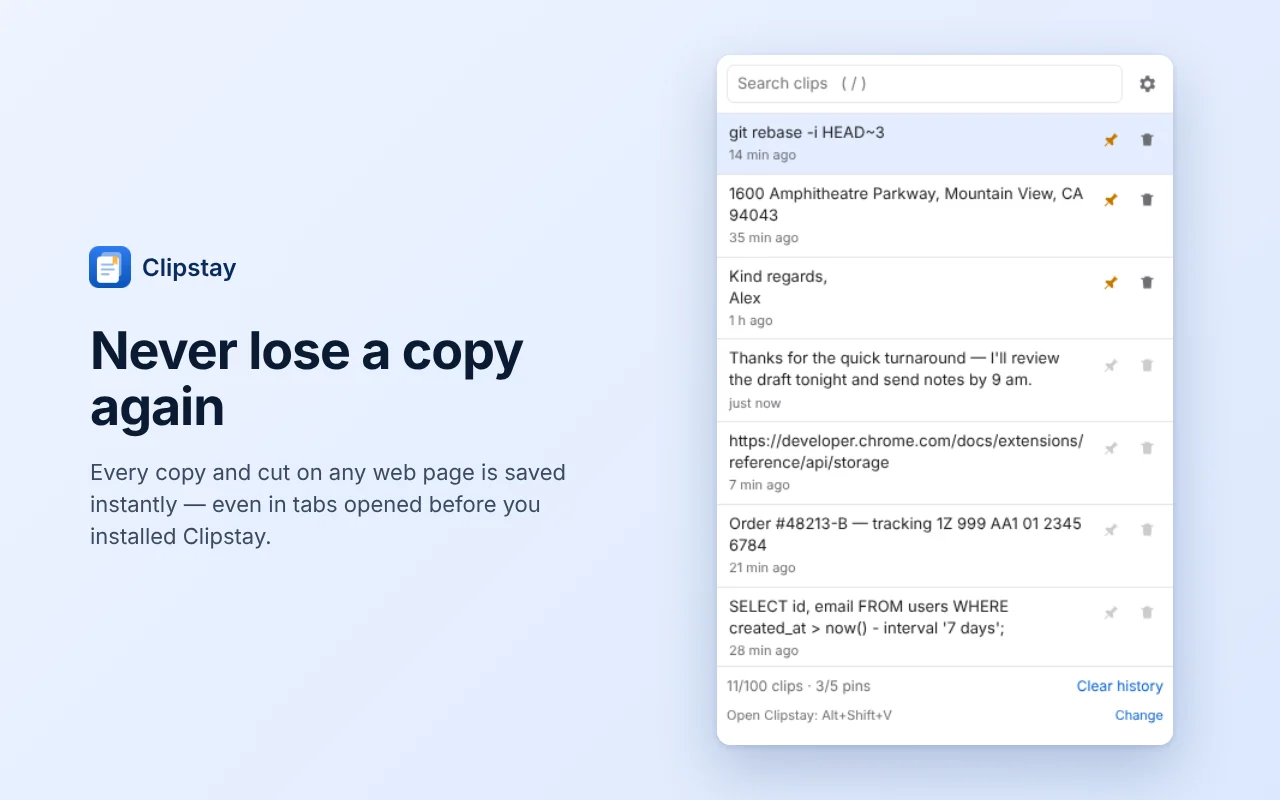
Copy or cut on any web page and Clipstay keeps it, even in tabs you opened before installing. When you open the popup it also adds what is on your clipboard right now, so text from other apps lands in your history too.
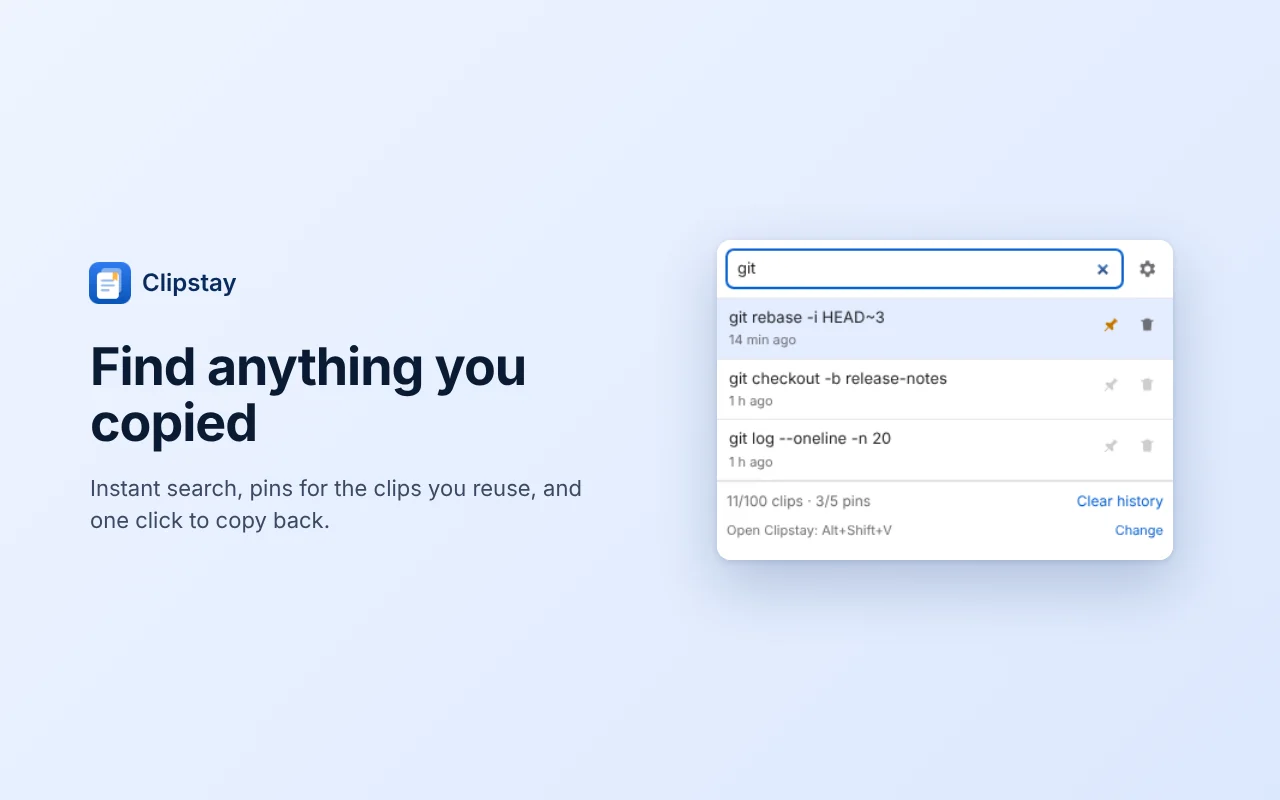
Search your history, pin the clips you reuse and copy any of them back with one click. Open Clipstay from the keyboard with the shortcut below.
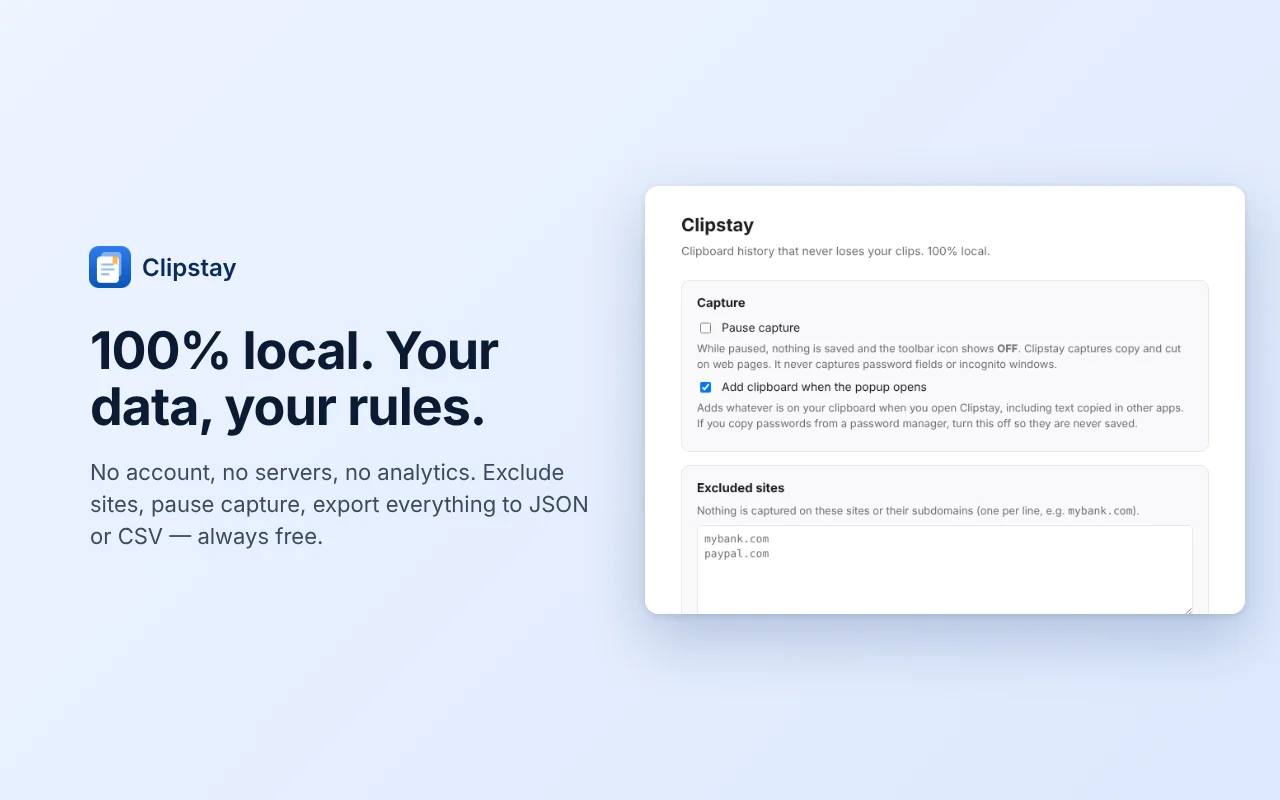
Exclude any site, pause capture whenever you like, and export your whole history to JSON or CSV. Password fields and Incognito windows are never captured.
Open Clipstay from the keyboard: Control+Shift+V on Mac, Alt+Shift+V on Windows and Linux.
Everything stays on your device. Clipstay has no account, no servers, no analytics and makes no network requests.
It never captures password fields or Incognito windows, and you can exclude any site or pause capture. The full details are in the privacy policy.
The free plan keeps your 100 most recent clips and up to 5 pinned clips. When the history is full, the oldest unpinned clips make room for new ones, and Clipstay lets you know. Exporting to JSON or CSV is always free.
Email [email protected]. Include your Chrome version and operating system if you can, and leave out any private text you copied.
On your device, in Chrome's local extension storage. Clipstay makes no network requests, and uninstalling it removes the data.
Clipstay never captures password fields. If you copy passwords from a password manager, turn off “Add clipboard when the popup opens” in Settings.
Pin it. You can pin up to 5 clips, and pinned clips stay when older ones make room. You can also export your history at any time.
Copy it in the app, then open Clipstay. It adds what is on your clipboard at that moment.
Export it to JSON or CSV at any time. Export is always free.